Custom Software That Moves Business Forward.
Turn complex workflows into practical digital products. We help shape custom software, business platforms, web applications, dashboards, and integrations around your goals.
Software Solutions for Real Business Needs.
From focused tools to connected platforms, choose the software capabilities that fit your operations and customers.
Custom Business Software
Build software around your internal processes, operational requirements, business rules, and reporting needs.
Custom workflowsBusiness logicWeb Application Development
Create browser-based applications with useful interfaces, account features, dashboards, and connected services.
Web appsResponsive UICRM & Management Systems
Organize customer records, leads, tasks, teams, service requests, and operational information in one workflow.
CRMManagementWorkflow Automation
Reduce repetitive work by connecting triggers, business rules, notifications, and routine data-processing tasks.
AutomationIntegrationsDashboards & Reporting
Present business data in clear dashboards, reports, searchable tables, and practical decision-support views.
AnalyticsReportingAPI & System Integration
Connect compatible applications, payment services, databases, and third-party tools through suitable APIs.
REST APIsData exchangeCloud-Based Software
Plan hosted software and data services with deployment, access, monitoring, and scaling requirements in mind.
CloudDeploymentAI-Powered Applications
Explore suitable AI features such as document assistance, natural-language interfaces, and intelligent search.
AI integrationSmart featuresMaintenance & Modernization
Improve existing software with bug fixes, interface updates, performance work, compatibility changes, and new features.
UpgradesSupport
Less Complexity. More Control.
Off-the-shelf tools may not fit every business process. Custom software can bring your key tasks into a more consistent, connected experience.
Understand users, bottlenecks, rules, and the tasks software should support.
Make core actions easier to discover, learn, and complete.
Reduce duplicate data entry when compatible integrations are available.
Use a maintainable structure and a roadmap for new features.
The Right Stack for Your Project.
Technology choices depend on your requirements, existing systems, deployment environment, team, and long-term maintenance plan.
Technology names are examples of possible approaches, not a guarantee that every technology is included in every project.
Interfaces That Make Work Easier.
Explore visual inspiration for dashboards, team tools, and connected digital products. Images are illustrative, not claims of completed client projects.


Explore a Mini Business Dashboard.
Select a feature to preview how a software dashboard can respond to different tasks.
This front-end demonstration runs locally in your browser. It is not connected to a real database, account, or business system.
Choose a workspace module to preview its sample state.
From Concept to Connected Software.
Animated visual references to complement your software development page.
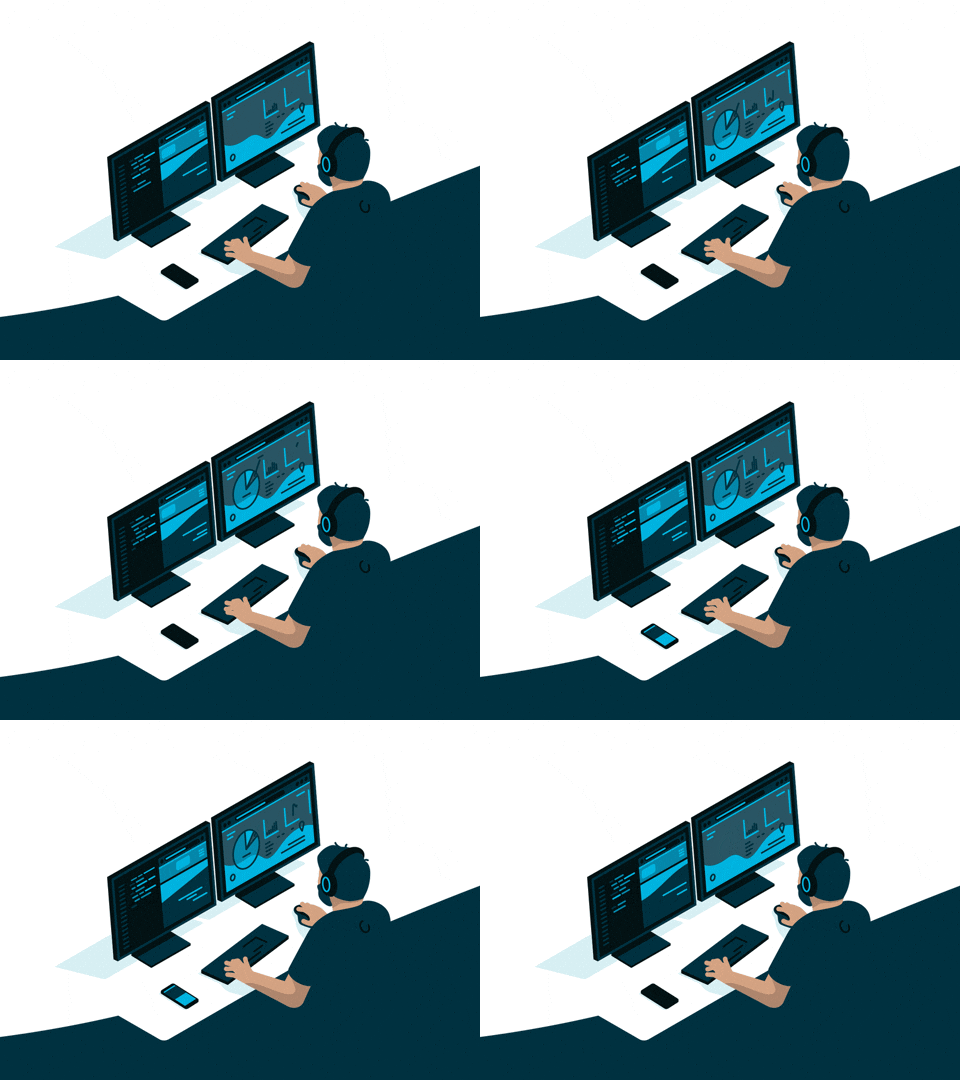
Software Engineering
Design architecture, implement features, and build maintainable application logic.
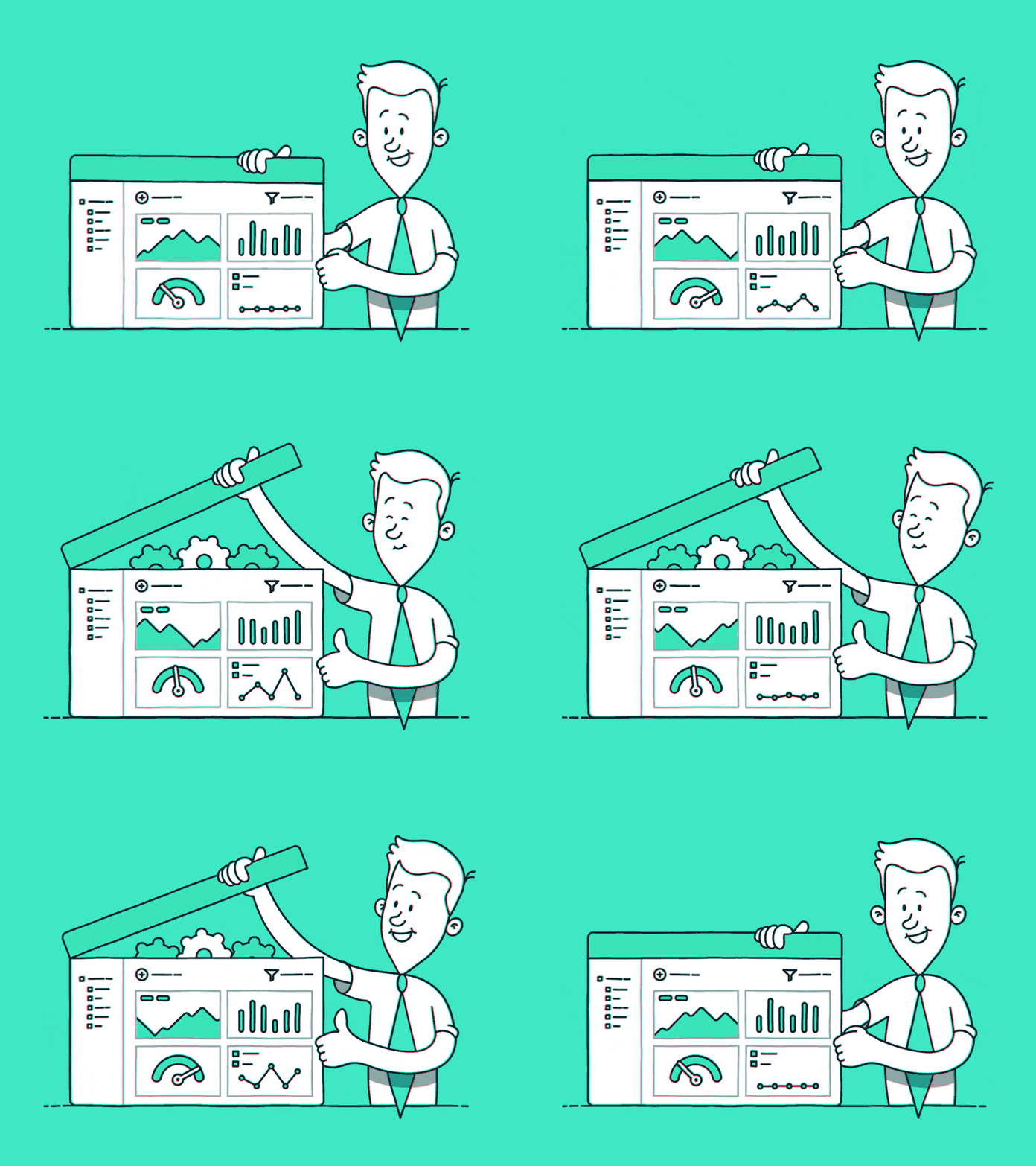
Product Experience
Make interfaces easier to understand with purposeful feedback and interactions.
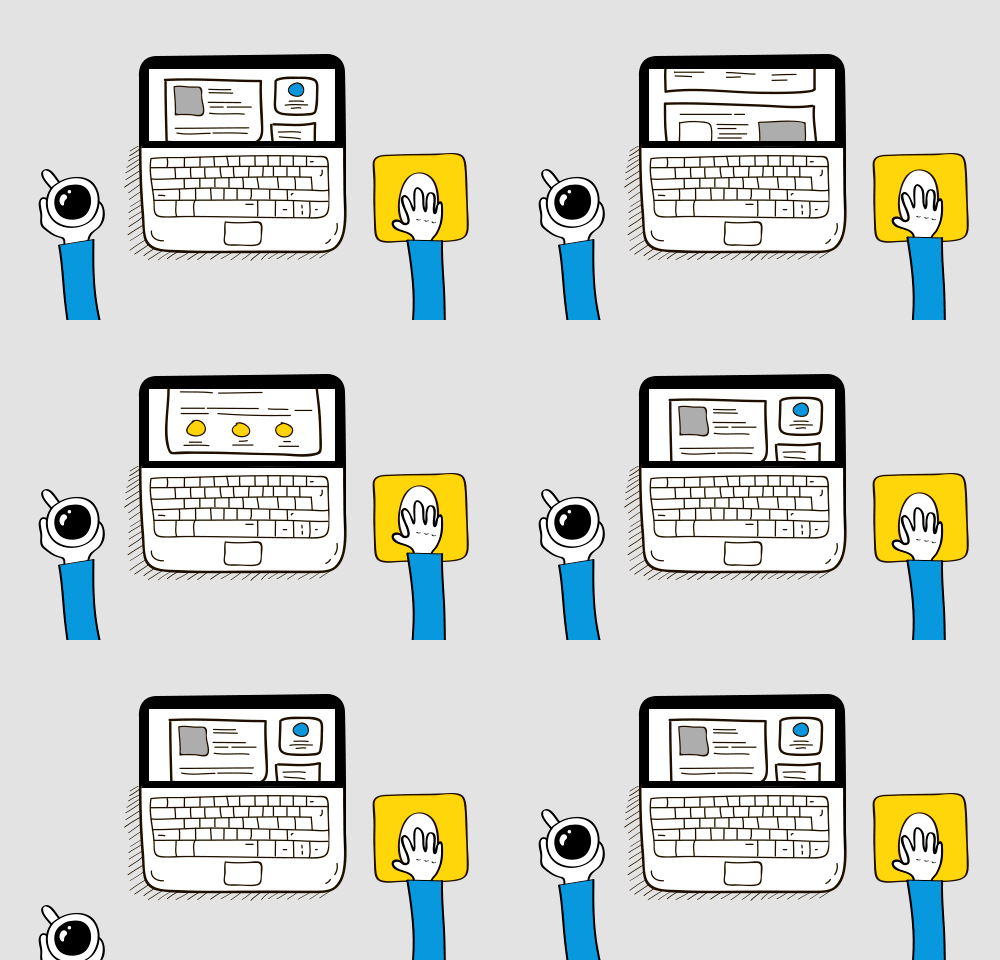
Connected Systems
Plan the connections between applications, APIs, data, and business processes.
Illustrative third-party GIFs are used as visual references. Availability and usage rights depend on their respective hosts.
Build With a Clear Roadmap.
A structured process helps keep the project aligned with its scope, users, technical requirements, and priorities.
Discovery
Define the problem, user needs, features, constraints, and project success criteria.
Design & Prototype
Map user journeys and review layouts and interactions before implementation.
Develop & Test
Build agreed functionality, integrate services, and test critical workflows.
Deploy & Improve
Prepare deployment, document key details, and plan ongoing maintenance.
Software Development FAQs.
Answers to common questions before starting a software project.
Projects may include custom business tools, web applications, dashboards, workflow systems, customer portals, integrations, and AI-enabled features, depending on requirements.
Cost depends on project scope, design, user roles, integrations, security needs, and ongoing support. A clear feature list helps establish a realistic estimate.
Often, yes. Integration depends on API availability, permissions, data formats, and the capabilities of the existing platform.
Automation can be designed for suitable repetitive workflows, notifications, data transfers, reporting, and approvals. The best approach depends on the process and systems involved.
Responsive web software can be designed for supported mobile screens. If you need a native or cross-platform mobile app, that can be scoped separately.
Maintenance, troubleshooting, compatibility updates, and feature enhancements can be included in a suitable ongoing support arrangement.
Your Business Needs More Than Generic Software.
Tell us what you want to improve, which users the software should serve, and what systems it needs to connect with. Let’s turn your idea into a practical development roadmap.